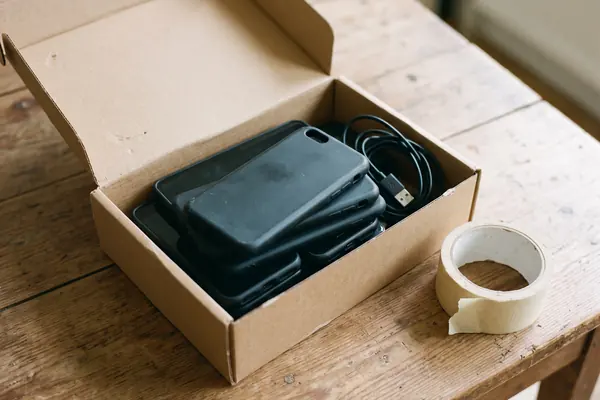

BEFORE THE RESET
Save what you want to keep
Make a backup copy of the data you want, check you know your logins and passwords, and move any text-message verification or smart-home controls to another device first.
The four stepsWHAT THE GUIDANCE SAYS
An old laptop or phone in a drawer could help someone get online, but it is also full of its owner's life.
Community tech clubs often collect, check and pass on donated devices. The UK's National Cyber Security Centre (NCSC) sets out what donors should do before handing a device over, and what groups should do before giving it to someone else. This independent guide sums it up.

RESET then reuse
THE SHORT ANSWER
Deleting files one by one is not enough.
The NCSC's advice is a full erase, done by the donor and again by the group.
BEFORE THE RESET
Make a backup copy of the data you want, check you know your logins and passwords, and move any text-message verification or smart-home controls to another device first.
The four stepsTHE ERASE
The NCSC says the best way to erase data is the device's Erase all content and settings or Factory reset feature, and not to choose any option that keeps personal files.
Check a deviceFOR GROUPS
NCSC advice to charities is that all donated devices should be wiped before they are passed on, even if the donor says they already did it.
See the numbersA QUICK DEVICE CHECK
Pick a device to see what NCSC guidance says about preparing it to be passed on. The bar shows how much extra care it needs.
General guidance. Steps vary by make and model; the manufacturer's website explains the reset for each device.
TWO NUMBERS WORTH KNOWING
Four steps for groups taking donations,
six actions for the person who gets the device.
4 steps
Steps for handling donated devices
Encourage donors to erase their data, erase all data on donated devices again, avoid passing on unsupported devices, and help the recipient stay secure online.
FOR CHARITIES · NCSC
6 actions
Key actions to stay secure online
A strong, separate email password, the latest software and app updates, 2-step verification, password managers, backups, and three random words for passwords.
FOR RECIPIENTS · NCSC CYBER AWARE
The NCSC notes that a determined expert with specialist tools may still recover data after a reset; its secure sanitisation guidance covers cases where data must never be recovered.
FOUR STEPS FOR A DONATION
This follows the NCSC's advice for people donating devices and for the charities and groups that pass them on.
Keep a copy of photos and files, note account logins, and move SMS verification and smart-home control to another device.
The NCSC asks groups to encourage donors to erase their own data, rather than doing it for them.
Wipe every donated device before it is distributed, even if the donor says it has been erased, and check it still gets security updates.
Give the new user the NCSC's Cyber Aware advice: switch on automatic updates and a screen lock, PIN or password.
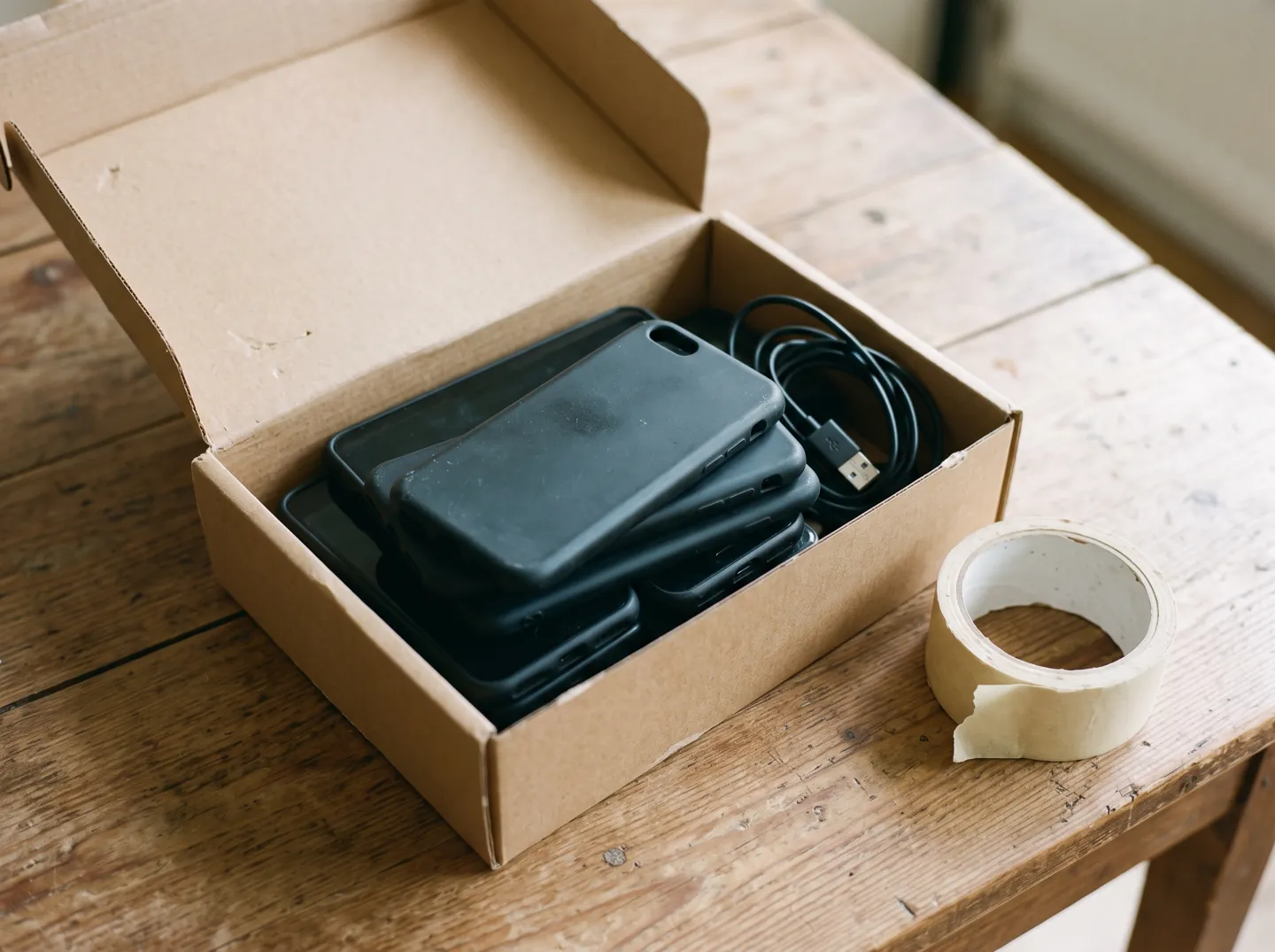
WHY 'DELETE' ISN'T ENOUGH
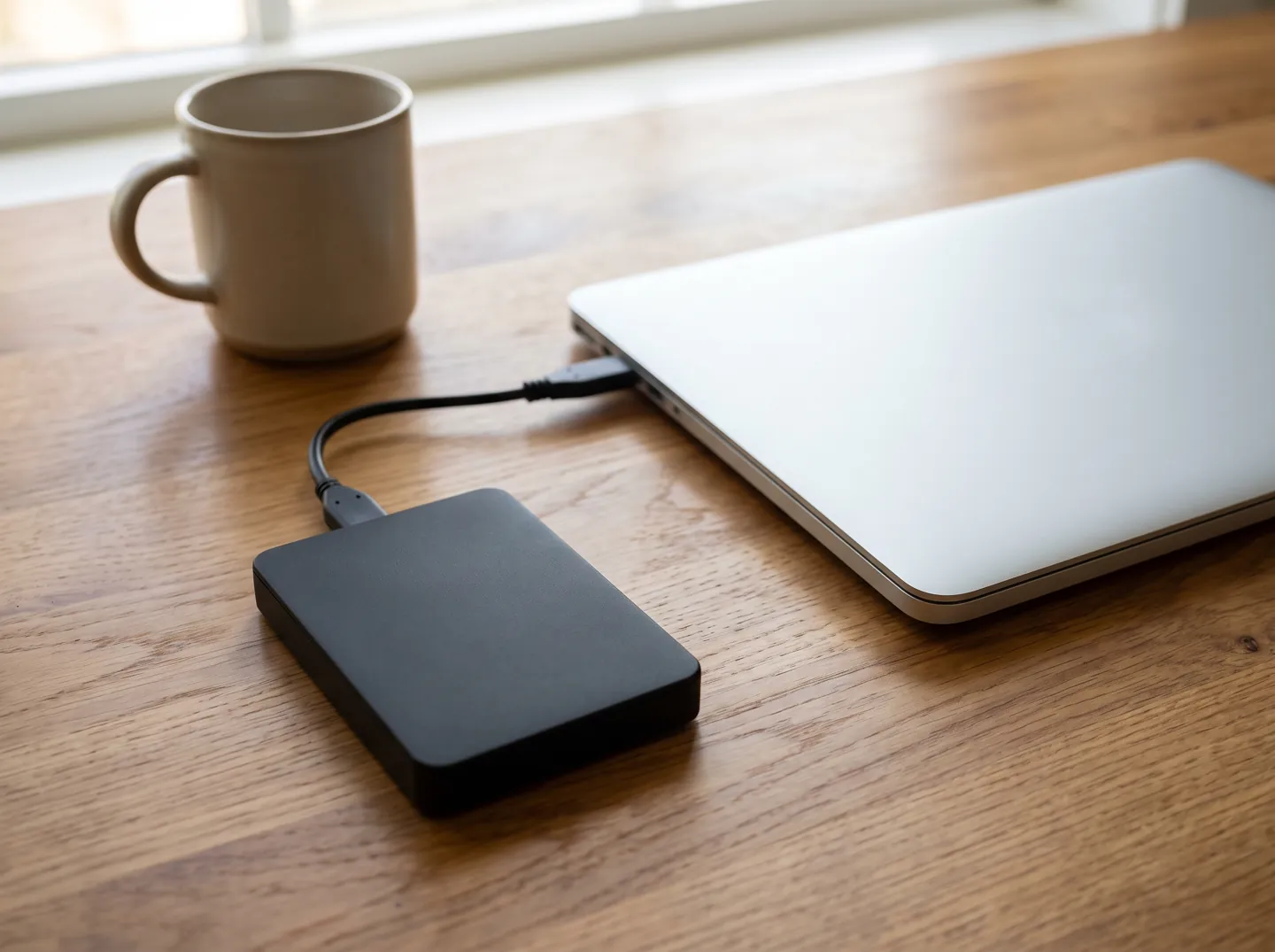
The NCSC's guidance for organisations says simply hitting the Delete key is not enough. Sanitisation means treating the data on storage so it is much harder to retrieve and reconstruct, and some methods let the storage be re-used while others destroy it.
Many devices offer an encryption option. The NCSC says that when such a device is factory reset, the manufacturer's reset normally deletes the encryption keys, making the data unreadable, so it can be sold or donated with minimal risk.
Questions
Back up what you want to keep, make sure you know your account logins, then use the phone's Erase all content and settings or Factory reset feature. The steps vary by model; the manufacturer's website explains them.
No. The NCSC says simply pressing Delete is not enough. A factory reset removes personal data such as messages, contacts, photos, passwords and apps.
Yes. NCSC advice for charities is that all donated devices should be wiped before they are distributed, even if the donor says they have already erased their data.
The NCSC advises avoiding devices that no longer get security updates from the manufacturer, or whose support is ending soon. Return them to the donor or recycle them.
The NCSC says a determined expert using specialist tools may still be able to recover data. Its secure sanitisation guidance is for cases where data must never be recovered.
Sources
ABOUT THIS NAME
calvarytechclub.com is part of the DoodleSale portfolio. It isn't in an auction right now, but you can ask about leasing it.